Toll Free Number: 1800 8901 499
Helpline No: +91-7404900081 / +971-552586352
How to Set Appointment Notifications via
WhatsApp with WA Bridge
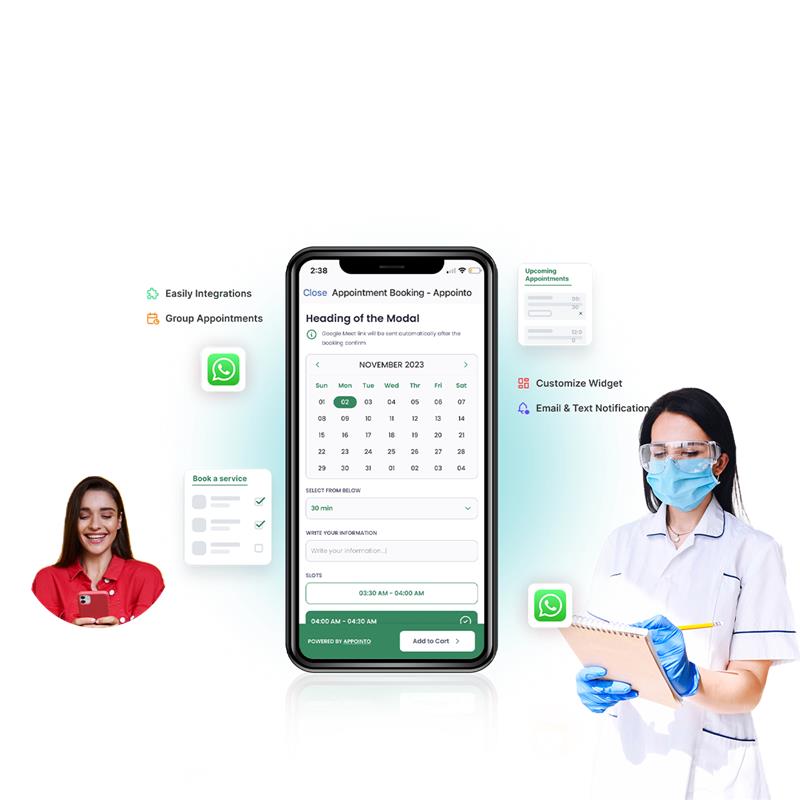
How to Set Appointment Notifications
.jpg)
1. Appointments
2. Trigger Types Available
.png)
.png)
3. Add Message Template
4. Set Template in Notification Settings
.png)
Boost Growth with WA Bridge

Effortless Onboarding
.png)
Top Solutions

24/7 Support
Frequently Asked Questions (FAQs)
Appointment Booking Chatbot

What is an appointment booking chatbot?

How do I set up the appointment booking feature on WA Bridge?

Where can I view the appointments made through WhatsApp?

Can I customize the chatbot messages and appointment details?
Power Up Your Business with WhatsApp